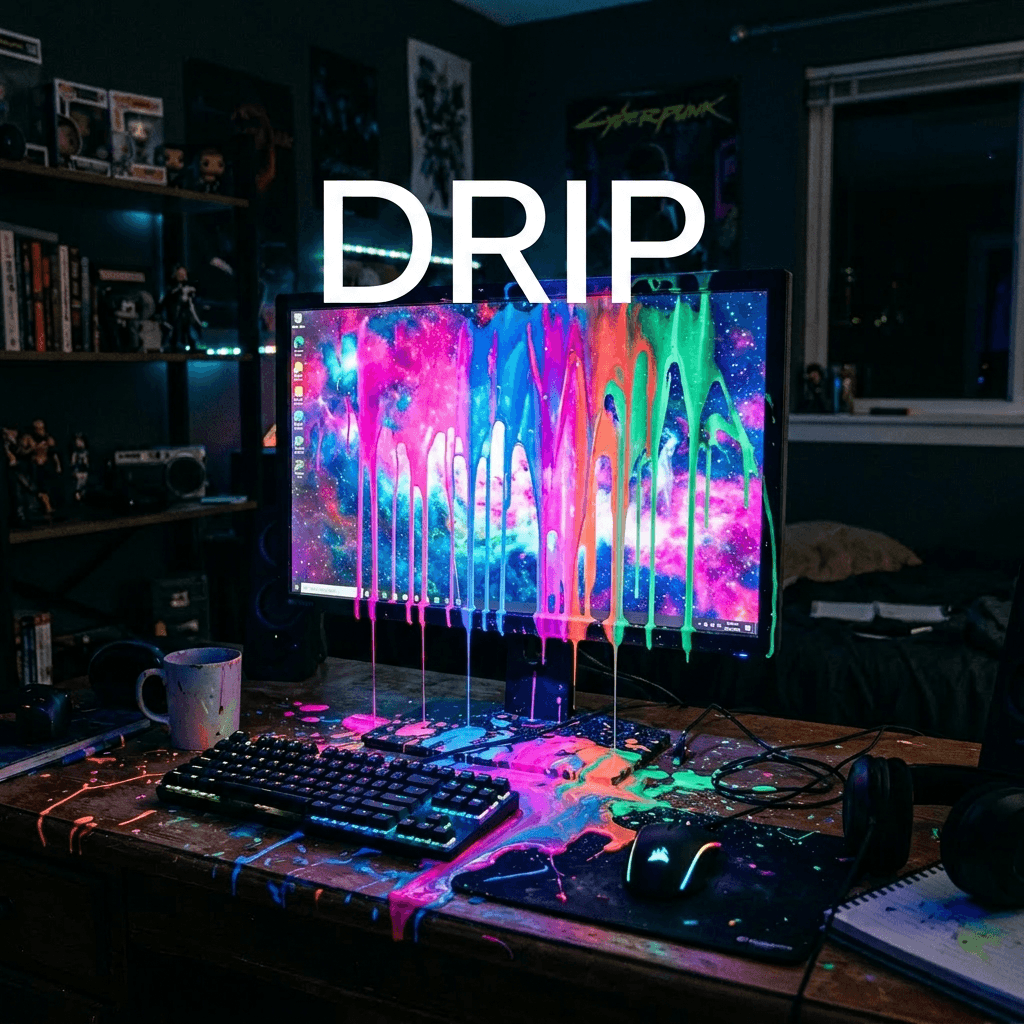
Your digital canvas is flat, lifeless, and begging for a heartbeat—but you can completely transform it right now by mastering the liquid chaos of fluid design. If your artwork feels stiff, learning to use the drip effect in digital art is the ultimate cure. This dynamic technique injects immediate motion, raw spontaneity, and undeniable vibrancy into any composition. Whether you want to build hyper-realistic glossy puddles or explosive street-art splatters, learning how to manipulate liquid-like elements gives you total creative freedom.
Why Did the Digital Paint Take Over My Life?
The glowing monitor hummed at midnight, casting harsh shadows across the cluttered desk of Elena, a perfectionist illustrator obsessed with clean lines. For months, her digital portraits felt sterile—beautiful but completely dead. Frustrated, she grabbed her stylus, aimed at her latest flawless vector, and slammed down a chaotic, virtual bucket of neon paint.
Suddenly, her screen began to glitch, forcing the digital paint to crawl downward in a slow, glowing cascade. It was an accidental drip effect in digital art that she couldn’t stop. The fluid design looked incredibly real, sliding past her carefully drawn boundaries and pooling at the bottom of the interface.
Elena watched, completely breathless, as her pristine work transformed into something raw, emotional, and intensely powerful. That single glitch sparked a romantic obsession with liquid aesthetics, forever destroying her obsession with boring perfectionism.
What Exactly Is the Drip Effect in Digital Art?
The drip effect in digital art is a dynamic design method used to simulate real-world gravity, fluid physics, and liquid behavior on a digital screen. Instead of relying on static shapes, this technique introduces flowing paths, teardrop formations, and micro-splatters to suggest that the art is actively moving.
Top creators frequently use it to break up rigid digital vectors and introduce a human, spontaneous energy. Leading design platforms like Adobe Creative Cloud offer specialized brushes to emulate these natural behaviors flawlessly.
How Can You Create a Realistic Fluid Design?
- Establish a clear directional gravity source: Determine exactly where your liquid originates and ensure all flowing elements drop down along a consistent vertical axis.
- Vary the thickness of your trailing streams: Real liquid accumulates mass at the lowest point. Keep the upper trailing lines thin and create rounded, bulbous shapes at the bottom of each stream.
- Layer your highlights and shadows: Apply a dark, semi-transparent shadow directly underneath the curve of the droplet. Add a crisp, bright white highlight right on the top edge to simulate a glossy 3D surface reflection.
- Scatter independent trailing droplets: Scatter tiny, detached circular dots directly below your main streams to convincingly show that the liquid is actively falling apart under motion.
Which Core Tools Do Creative Professionals Use?
- Liquify Engine: Perfect for stretching existing layers into smooth, elongated paths.
- Clipping Masks: Excellent for locking your glossy gradients perfectly inside the flowing fluid shapes.
- Physics Brushes: Automatically generates realistic splatters based on stylus pressure and speed.
- Layer Blend Modes: Utilizing settings like “Linear Dodge” makes your liquid elements glow beautifully.
How Do You Balance Spontaneity and Composition?
Great art requires structured chaos, meaning you must carefully plan where your liquid-like accents will go. Focus your splatters around areas of high contrast or use them as leading lines to guide a viewer’s eye straight toward your main subject.
Overloading your canvas can completely drown out your details and ruin the artwork. Keep your focal points clean, and let the messy elements frame the outer edges of your layout.
