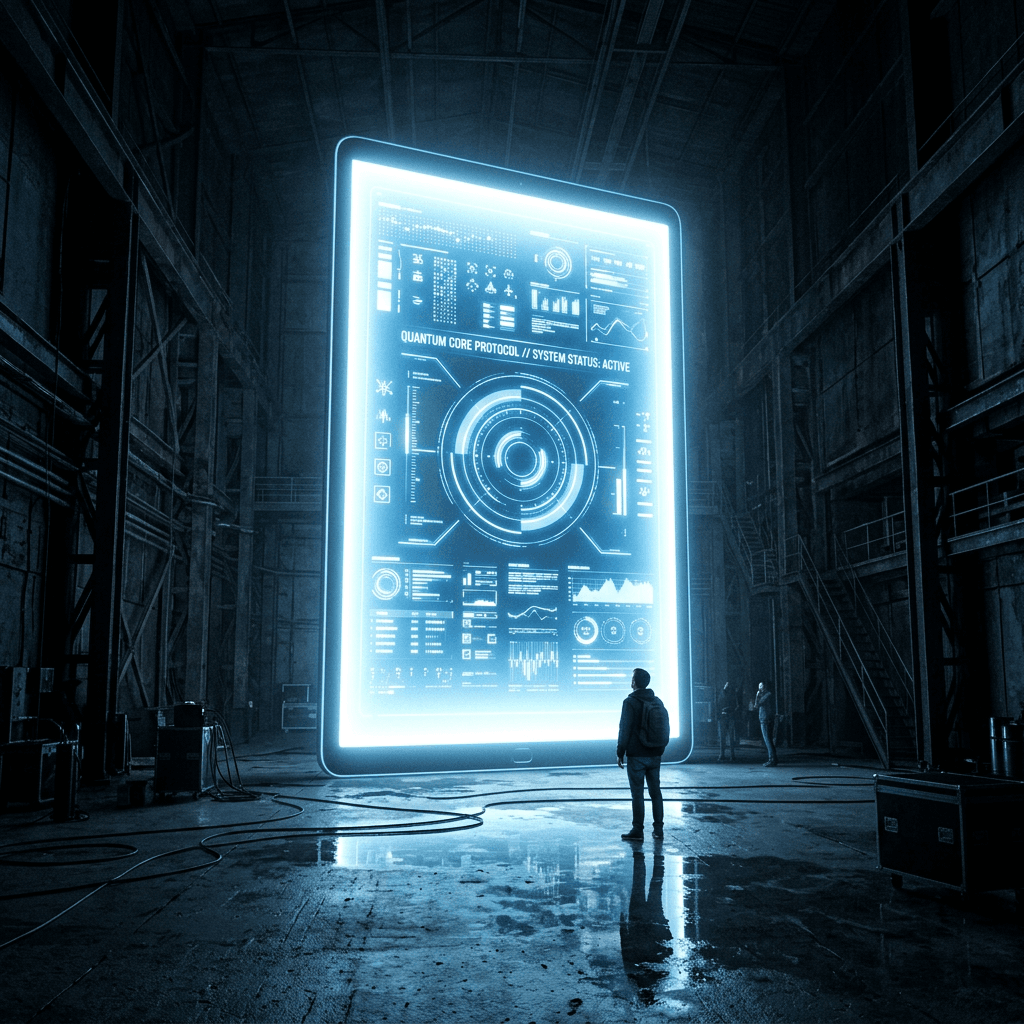
The neon glow of my tablet screen wasn’t just illuminating my face; it was shining on a digital universe that was actively threatening to swallow my sanity whole. I was staring down a canvas size of 30,000 pixels wide, a pixel playground where single brushstrokes took three seconds to render, and my computer fan was screaming like a jet engine at takeoff. This was my first true foray into the world of monumental digital drawings, and let me tell you, size absolutely matters when it comes to canvas dimensions. Welcome to the frontier where pixels meet the infinite, and your standard drawing tablet turns into a window to a massive, sprawling universe.
This comprehensive guide is built to help you master monumental digital drawings, ensuring you understand the mechanics, the artistic hurdles, and the absolute thrill of creating art on a scale that can cover a literal skyscraper.
Why Does Size Matter in the Digital Art Realm?
When we talk about monumental digital drawings, we aren’t just talking about zooming in really close to fix a stray line. We are talking about artwork built from the ground up to command attention through sheer physical presence, intricate detail, and visual grandeur.
Historically, large-scale art required physical scaffolding, plaster, and months of manual labor, much like Michelangelo’s ceiling work. Today, programs like Adobe Photoshop and Corel Painter allow artists to work on canvases that translate to dozens of feet in real-world measurements without ever spilling a drop of paint. Working on this scale changes your entire workflow, forcing you to think about how a tiny texture in the corner impacts a viewer standing fifty feet away.
How Do You Manage Millions of Pixels Without Crashing Your System?
The thrill of creating monumental digital drawings quickly turns into a horror story if your hardware can’t handle the load. Let’s return to my fateful night in the studio: the clock struck midnight, and I decided to apply a complex blur filter across all 142 layers of my mega-canvas.
The cursor transformed into the dreaded spinning wheel of death. My heart stopped.
I hadn’t saved the file in three hours.
The silence in the room was deafening as I watched the screen flicker, praying to the digital deities that my RAM would pull through. It didn’t. The program vanished, leaving me staring at my own devastated reflection on a blank monitor.
To avoid this tragedy, you must understand memory allocation and file optimization. When working with immense files, you need to utilize scratch disks, flatten unnecessary hidden layers, and work at a smart DPI (dots per inch). For massive prints, a resolution of 150 DPI is often more than enough because the human eye cannot see tiny pixel variations from the distance required to view the entire piece.
What Architectural Techniques Transfer to Large-Scale Digital Canvases?
To keep a viewer captivated, monumental digital drawings rely on strict composition frameworks. You cannot simply blow up a small sketch and call it monumental; the artwork must be designed to guide the eye across a vast visual landscape.
- The Rule of Space: Give your primary subjects room to breathe so the viewer isn’t overwhelmed by the sheer scale.
- Micro-Detailing: Ensure that when a viewer steps closer, they discover hidden narratives, tiny textures, and intricate linework that weren’t visible from afar.
Atmospheric Perspective: Use color fading and value shifts to create a sense of true depth, making the grand scale feel real and immersive.
How Can You Seamlessly Export and Print Your Digital Masterpiece?
The final hurdle of monumental digital drawings is moving the art from your glowing screen to the physical world. This requires converting your digital color profile from RGB (Red, Green, Blue) to CMYK (Cyan, Magenta, Yellow, Key/Black) to ensure the colors print accurately. Working with professional print houses that specialize in large-format printing is essential to see your grand vision come to life on vinyl, canvas, or metal panels.
If you are ready to challenge your artistic limits, open up your software, crank that canvas size up to the thousands, and start building your own massive world today.
